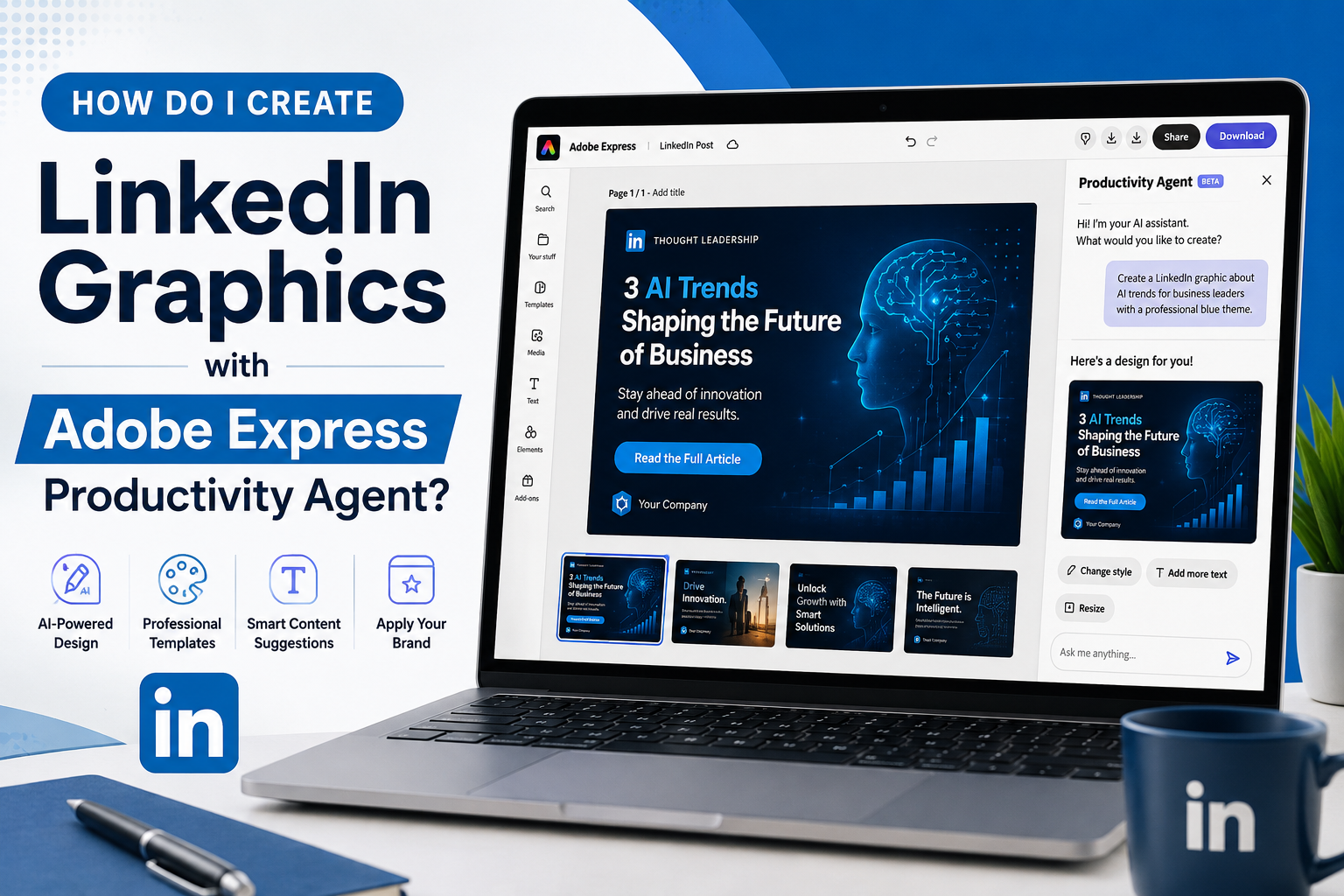
Yes, Adobe Express Productivity Agent can help you create LinkedIn graphics using simple natural language instructions.
Instead of manually building a design from scratch, you can describe the type of LinkedIn graphic you want, and the Productivity Agent will help generate a suitable layout, text suggestions, visual elements, and branding options.

What Is the Adobe Express Productivity Agent?
The Productivity Agent is an AI-powered assistant inside Adobe Express that helps users create content faster.
You can type requests such as:
- Create a LinkedIn post about AI automation.
- Design a webinar promotion for LinkedIn.
- Make a professional recruiting graphic.
- Create a LinkedIn quote graphic using my brand colors.
The agent then generates a design based on your instructions.
What Types of LinkedIn Graphics Can It Create?
The Productivity Agent can assist with:
Thought Leadership Graphics
Share professional insights, statistics, or industry trends.
Webinar Promotions
Create graphics for upcoming events and registrations.
Recruiting Posts
Design hiring announcements and job advertisements.
Service Promotions
Promote consulting, coaching, or business services.
Customer Success Stories
Highlight testimonials, case studies, and results.
Company Announcements
Share product launches, updates, and milestones.
How Do I Create a LinkedIn Graphic?
- Open Adobe Express.
- Access the Productivity Agent.
- Enter a prompt describing the graphic you want.
- Review the generated design.
- Refine it with additional instructions.
- Download or publish the finished graphic.
Example prompt:
Create a LinkedIn graphic promoting a cybersecurity webinar for IT managers using a professional blue color scheme.
Can I Use My Brand Colors?
Yes.
If you have a Brand Kit configured in Adobe Express, the Productivity Agent can use:
- Company colors
- Logos
- Fonts
- Brand styles
This helps maintain a consistent appearance across your LinkedIn content.
Can the Productivity Agent Write the Text Too?
In many cases, yes.
The Productivity Agent can suggest:
- Headlines
- Subheadings
- Calls to action
- Promotional copy
You can edit any generated text before publishing.
Is It Better Than Creating Graphics Manually?
The Productivity Agent is generally faster for creating first drafts and routine marketing content.
However, experienced designers may still prefer manual editing for highly customized designs.
For most LinkedIn users, the Productivity Agent can significantly reduce the time needed to create professional-looking graphics.
Final Thoughts
Adobe Express Productivity Agent can help create LinkedIn graphics by generating layouts, suggesting text, applying branding, and simplifying the design process. For professionals, marketers, recruiters, and business owners, it provides a fast way to create LinkedIn content without advanced design experience.






