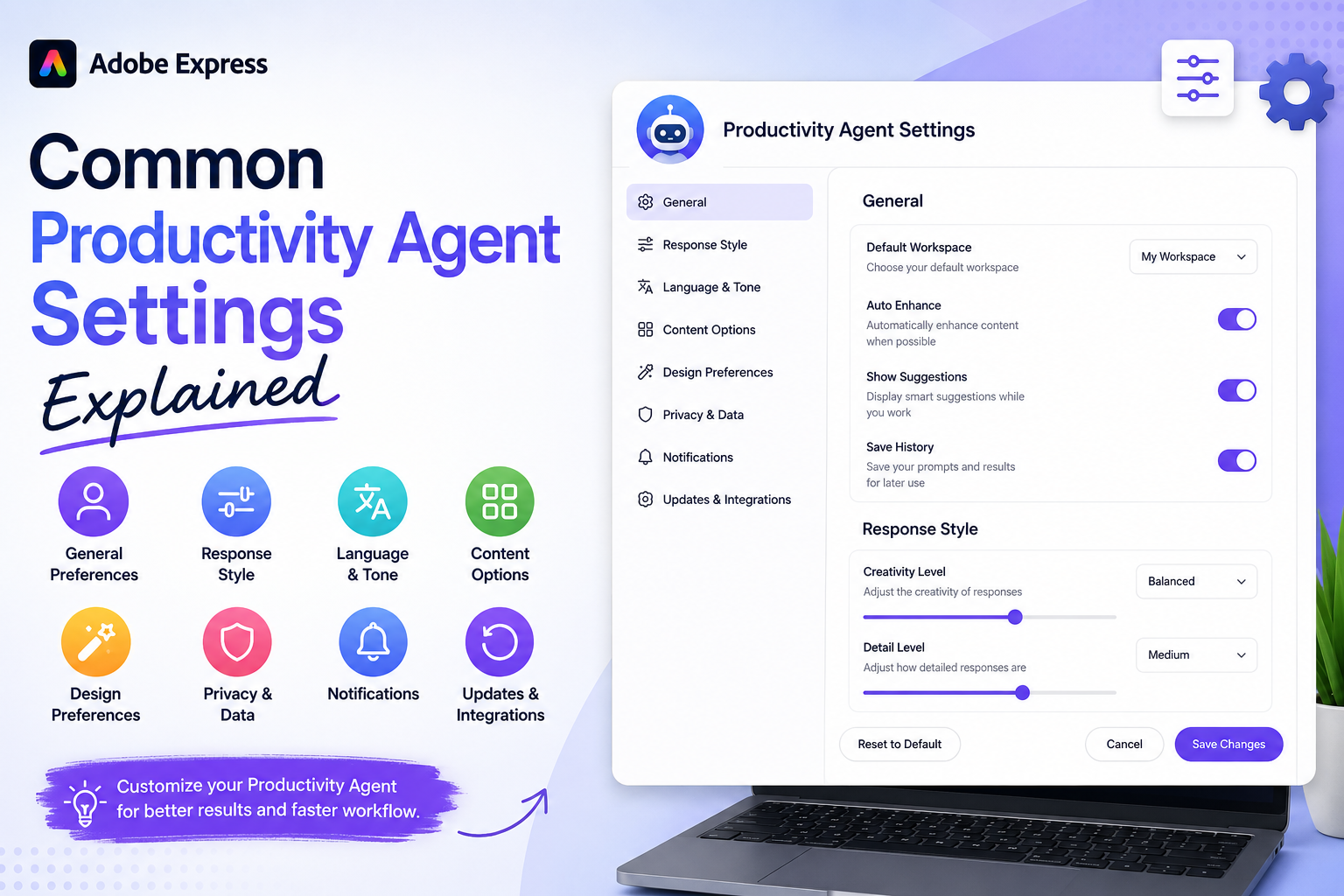
As Adobe continues integrating AI-powered assistance into Adobe Express, more users are discovering the Productivity Agent and its ability to automate creative tasks, generate content, and accelerate workflows. While many people focus on the agent’s capabilities, understanding its settings can help you get better results and customize the experience to match your needs.
In this guide, we’ll explain the most common Productivity Agent settings, what they do, and how they can affect your content creation workflow.

Why Productivity Agent Settings Matter
The Productivity Agent is designed to help users achieve goals faster. However, the quality and relevance of its output often depend on the settings and preferences you use.
Proper configuration can help:
- Improve content quality
- Maintain brand consistency
- Generate better design suggestions
- Produce more relevant content
- Reduce editing time
Think of these settings as instructions that help the AI understand how you prefer to work.
Content Style Settings
One of the most important settings relates to content style.
This tells the Productivity Agent what type of tone and visual approach to use.
Common styles include:
Professional
Suitable for:
- Business communications
- LinkedIn posts
- Corporate presentations
- Marketing materials
Casual
Suitable for:
- Social media content
- Community engagement
- Informal promotions
Creative
Suitable for:
- Artistic projects
- Brand storytelling
- Promotional campaigns
Educational
Suitable for:
- Tutorials
- Learning materials
- Training content
Why It Matters
The selected style influences both the design and the generated content.
Brand Kit Integration
One of the most useful settings is Brand Kit support.
When enabled, the Productivity Agent can automatically use:
- Logos
- Brand colors
- Fonts
- Approved visual elements
Benefits
- Consistent branding
- Faster content creation
- Fewer manual adjustments
Recommended Setting
Always enable Brand Kit integration if you have established branding.
Content Generation Preferences
Many Productivity Agent workflows involve content generation.
Settings may control:
Length
- Short
- Medium
- Long
Format
- Social media post
- Advertisement
- Blog summary
- Promotional copy
- Presentation content
Tone
- Formal
- Friendly
- Professional
- Inspirational
Why It Matters
These preferences help ensure generated text matches your intended audience.
Design Recommendation Settings
The Productivity Agent can suggest design improvements.
Common preferences may include:
Minimalist
Simple and clean layouts.
Corporate
Professional business-oriented visuals.
Modern
Contemporary layouts and styling.
Bold
High-impact visuals and attention-grabbing designs.
Why It Matters
The chosen design style influences generated layouts and recommendations.
Content Variation Settings
Many users rely on the Productivity Agent to create multiple versions of content.
Variation settings may determine:
Number of Versions
Examples:
- 2 variations
- 3 variations
- 5 variations
Diversity Level
How different each variation should be.
Benefits
- More creative options
- Better A/B testing
- Faster experimentation
Recommended Setting
Generate multiple variations whenever possible.
Platform Optimization Settings
Different platforms require different content formats.
The Productivity Agent may optimize content for:
Visual-first content.
Community-focused content.
Professional business content.
Vertical, discovery-focused graphics.
YouTube
Thumbnails and promotional assets.
Why It Matters
Platform-specific optimization improves engagement and presentation.
Automation Preferences
Workflow automation is one of the Productivity Agent’s biggest advantages.
Settings may control:
Automatic Resizing
Generate multiple platform dimensions automatically.
Automatic Branding
Apply brand assets without manual intervention.
Automatic Layout Adjustments
Adapt content to different formats.
Benefits
- Faster workflows
- Less repetitive work
- Greater consistency
Asset Usage Settings
The Productivity Agent often works with images and graphics.
Settings may determine how assets are used.
Examples:
Prioritize Uploaded Assets
Use your images whenever possible.
Use Stock Assets
Allow Adobe Express to recommend stock content.
Use Brand Assets First
Prioritize approved company imagery.
Why It Matters
These settings affect the visual consistency of generated content.
Collaboration Settings
Teams using Adobe Express may have collaboration preferences.
Examples include:
Shared Brand Resources
Allow team access to common assets.
Shared Templates
Reuse approved templates across projects.
Team Review Workflows
Support collaborative approval processes.
Benefits
- Better consistency
- Faster teamwork
- Improved governance
AI Suggestion Settings
The Productivity Agent may provide recommendations throughout the design process.
Examples include:
Layout Suggestions
Recommend improved organization.
Content Suggestions
Generate alternative copy.
Visual Suggestions
Recommend colors, imagery, or structure.
Why It Matters
Users can often control how proactive the AI should be.
Content Repurposing Settings
One of the Productivity Agent’s strongest capabilities is transforming content into multiple formats.
Settings may control:
Output Types
Examples:
- Social media posts
- Email banners
- Presentation slides
- Promotional graphics
Number of Formats
How many content variations to generate.
Benefits
- Greater content reach
- Improved efficiency
- Faster production
Privacy and AI Usage Settings
Depending on your Adobe account, you may have options regarding AI-powered services.
Examples include:
AI Feature Access
Enable or disable AI assistance.
Content Processing Preferences
Control how AI interacts with your projects.
Organization Policies
Enterprise environments may have additional governance controls.
Why It Matters
Understanding these settings can help organizations meet compliance requirements.
Recommended Productivity Agent Configuration
For most users, the following setup works well:
Style
Professional
Brand Kit
Enabled
Variations
3 Versions
Platform Optimization
Enabled
Automatic Resizing
Enabled
Automatic Branding
Enabled
Design Recommendations
Enabled
Content Repurposing
Enabled
This configuration balances productivity, consistency, and flexibility.
Common Mistakes to Avoid
Ignoring Brand Settings
This often leads to inconsistent content.
Using Generic Style Preferences
More specific preferences usually produce better results.
Generating Only One Version
Multiple variations often reveal stronger creative options.
Disabling Helpful Suggestions
The Productivity Agent’s recommendations can save significant time.
Forgetting Platform Optimization
Content should be tailored to where it will be published.
The Future of Productivity Agent Settings
Adobe is continuously expanding AI-powered capabilities.
Future settings may include:
- Advanced campaign planning
- Deeper brand intelligence
- Audience-specific optimization
- Publishing automation
- Personalized workflows
As the Productivity Agent evolves, settings will likely become even more customizable and intelligent.
Final Thoughts
The Adobe Express Productivity Agent is much more than a content generator. Its settings allow users to customize how AI assists with design, branding, content creation, automation, and workflow management. Understanding these options helps ensure better results, greater consistency, and faster content production.
Whether you’re a solo creator, marketer, educator, freelancer, or part of a large team, taking a few minutes to configure your Productivity Agent settings can dramatically improve your Adobe Express experience and help you get the most value from Adobe’s AI-powered productivity tools.






