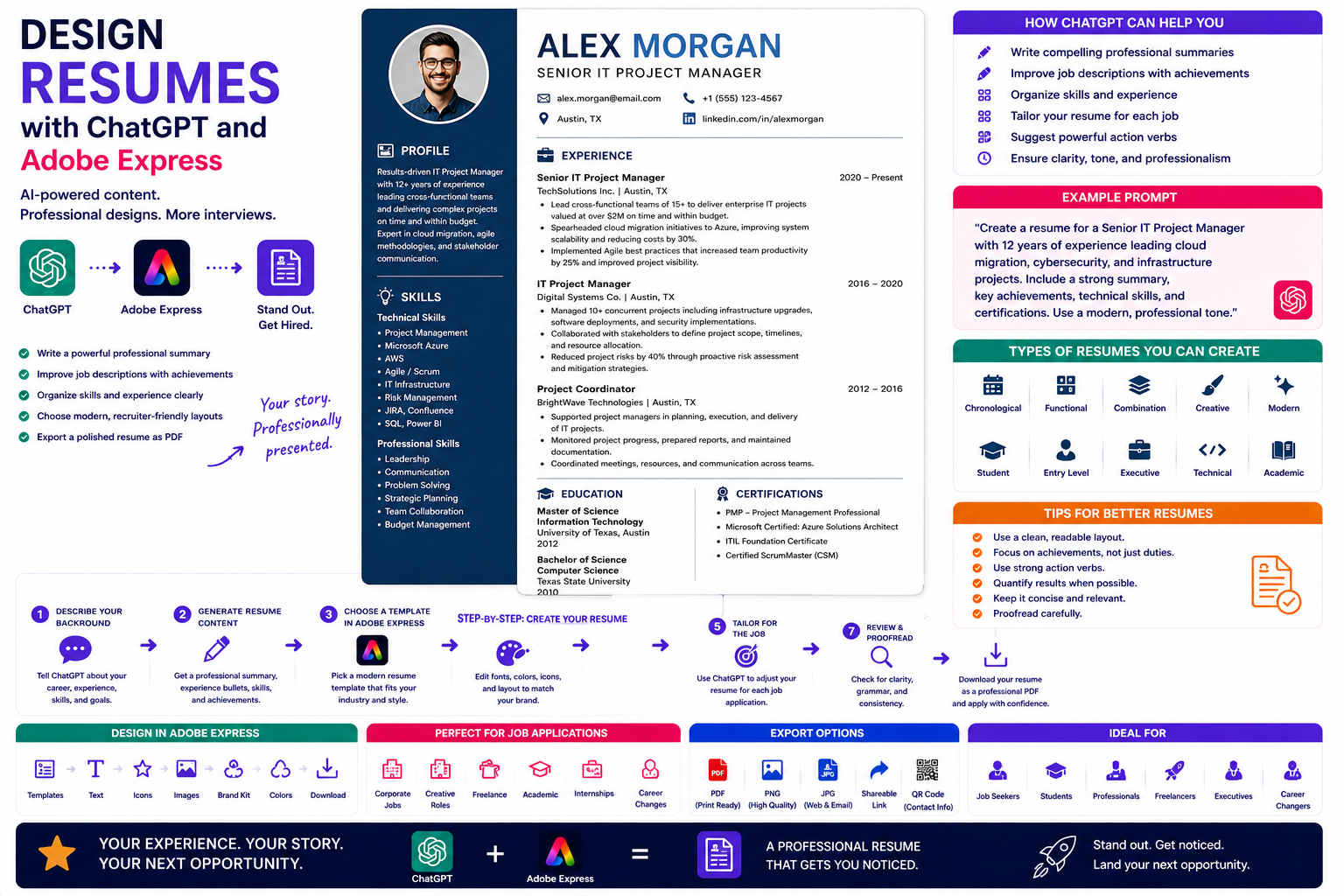
A resume is often your first opportunity to make an impression on a potential employer. In just a few seconds, recruiters decide whether to continue reading or move on to another candidate. That makes both the content and the design of your resume equally important.
Writing a resume from scratch can be challenging. You need to summarize your experience, highlight your achievements, organize your skills, and present everything in a clean, professional format.
By combining ChatGPT with Adobe Express, you can simplify the entire process. ChatGPT helps you write compelling resume content, improve your wording, and tailor your resume for a specific position, while Adobe Express provides professionally designed templates that make your resume visually appealing and easy to read.
In this guide, you’ll learn how to create a modern resume using ChatGPT and Adobe Express.
Why Use ChatGPT and Adobe Express?
Creating a resume traditionally involves:
- Writing a professional summary
- Organizing work experience
- Listing education
- Describing achievements
- Formatting the layout
- Choosing typography
- Exporting a professional PDF
With ChatGPT and Adobe Express working together, much of this work becomes faster and easier.
Instead of staring at a blank document, you start with AI-generated suggestions that you can customize.
What Can ChatGPT Help With?
ChatGPT can assist with nearly every section of your resume.
Examples include:
- Professional summaries
- Job descriptions
- Achievement statements
- Skills sections
- Career objectives
- Technical skills
- Soft skills
- Cover letter ideas
It can also rewrite existing content to sound clearer and more professional.
Step 1: Describe Your Career Background
Start by telling ChatGPT about yourself.
Example prompt:
Create a professional resume for an IT project manager with 12 years of experience leading cloud migration and cybersecurity projects.
Or:
Help me write a resume for a graphic designer specializing in branding and social media content.
The more detail you provide, the more personalized the resume will become.
Step 2: Generate a Professional Summary
Your summary appears near the top of the resume and introduces you to employers.
Example prompt:
Write a professional summary for a cybersecurity consultant with experience in ISO 27001 implementation and risk management.
ChatGPT can generate several versions ranging from formal to modern.
Step 3: Improve Your Work Experience
Instead of simply listing responsibilities, ask ChatGPT to emphasize accomplishments.
Example:
Instead of:
Managed projects.
Use:
Successfully managed cross-functional IT projects valued at over €2 million while consistently delivering milestones on schedule and within budget.
Achievement-focused wording often creates a stronger impression.
Step 4: Organize Your Skills
ChatGPT can help organize your skills into logical categories.
Examples include:
Technical Skills
- Python
- SQL
- Microsoft Azure
- Adobe Creative Cloud
- Project Management
- Cybersecurity
Professional Skills
- Leadership
- Communication
- Problem Solving
- Strategic Planning
- Team Collaboration
Grouping related skills improves readability.
Step 5: Design the Resume in Adobe Express
Once the content is ready, open Adobe Express.
Choose a professional resume template.
Adobe Express offers layouts suitable for:
- Corporate resumes
- Creative resumes
- Student resumes
- Executive CVs
- Freelance portfolios
- Technical resumes
Simply replace the sample text with the content generated by ChatGPT.
Step 6: Customize the Design
Adobe Express allows you to personalize your resume.
You can:
- Change fonts
- Adjust colors
- Add icons
- Upload a personal logo (if appropriate)
- Rearrange sections
- Apply your Brand Kit (for freelancers or agencies)
The goal is to create a clean, readable document that complements your experience rather than distracting from it.
Step 7: Tailor the Resume for Each Job
One of ChatGPT’s biggest advantages is customization.
Example prompt:
Rewrite my resume for a Senior Cloud Engineer position emphasizing Azure, Kubernetes, automation, and DevOps.
Tailoring your resume for each application helps demonstrate that your experience aligns with the role.
Step 8: Export as PDF
Once you’re satisfied with the layout:
- Review for spelling and grammar.
- Confirm dates and job titles.
- Check formatting.
- Export as PDF.
PDF files preserve formatting across devices and are commonly requested by employers.
Example Prompt Library
IT Professional
Create a resume for a systems administrator with experience managing Windows Server, Microsoft 365, Azure, and cybersecurity projects.
Marketing Manager
Write a professional resume emphasizing digital marketing, SEO, paid advertising, and campaign management.
Graphic Designer
Create a creative resume highlighting branding, Adobe Creative Cloud expertise, and UX/UI design projects.
Teacher
Design a resume for a high school science teacher emphasizing curriculum development and classroom management.
Software Developer
Write a modern resume for a Python developer with experience building AI applications, APIs, and cloud deployments.
Tips for Better Resumes
Professional resumes usually:
- Keep the layout clean.
- Focus on achievements.
- Use consistent formatting.
- Include measurable results where possible.
- Limit unnecessary graphics.
- Keep text concise.
- Highlight the most relevant experience first.
A simple design often performs better than an overly decorative one.
Common Mistakes
Avoid prompts such as:
Write my resume.
Instead write:
Create a professional resume for a cybersecurity consultant with ten years of experience implementing ISO 27001, managing risk assessments, leading cloud migration projects, and improving organizational security. Emphasize measurable business outcomes and leadership experience.
Specific prompts help ChatGPT generate stronger, more relevant content.
Best Workflow
Many professionals use this AI-assisted workflow:
- Describe your career in ChatGPT.
- Generate a professional summary.
- Rewrite work experience.
- Organize skills.
- Design the resume in Adobe Express.
- Customize the layout.
- Tailor the resume for each job.
- Export as PDF.
This workflow saves time while helping you create a polished and professional resume.
Who Should Use This Workflow?
This approach is ideal for:
- Students
- Recent graduates
- IT professionals
- Designers
- Project managers
- Consultants
- Marketing specialists
- Career changers
- Freelancers
- Executives
Anyone applying for new opportunities can benefit from combining conversational AI with professional design tools.
Why This Workflow Works
ChatGPT helps you improve the content before you focus on visual presentation.
By the time you open Adobe Express, you’ll already have:
- A professional summary
- Achievement-focused experience
- Organized skills
- Tailored job descriptions
- Clear career messaging
This allows you to concentrate on creating a resume that is both informative and visually appealing.
Conclusion
Designing resumes with ChatGPT and Adobe Express combines AI-powered writing with modern design tools. ChatGPT helps strengthen your resume content by improving wording, emphasizing achievements, and tailoring your experience to specific roles, while Adobe Express provides professional templates that make your resume easy to read and visually attractive.
Whether you’re entering the workforce, changing careers, or applying for senior leadership positions, this AI-powered workflow helps you create resumes that present your qualifications clearly and professionally.
Frequently Asked Questions
Can ChatGPT write my resume?
Yes. ChatGPT can help generate professional summaries, improve job descriptions, rewrite bullet points, and tailor your resume for specific positions. Be sure to review the output for accuracy and ensure it reflects your actual experience.
Can Adobe Express create resumes?
Yes. Adobe Express offers resume templates that can be customized with your own content, colors, fonts, and branding preferences.
Should I customize my resume for every job?
Yes. Tailoring your resume to match the requirements of each position can improve its relevance and increase your chances of progressing in the hiring process.
Should I export my resume as a PDF?
In most cases, yes. PDF files preserve formatting across devices and are widely accepted by employers and recruitment platforms.
Related Articles
- Create Certificates with ChatGPT and Adobe Express
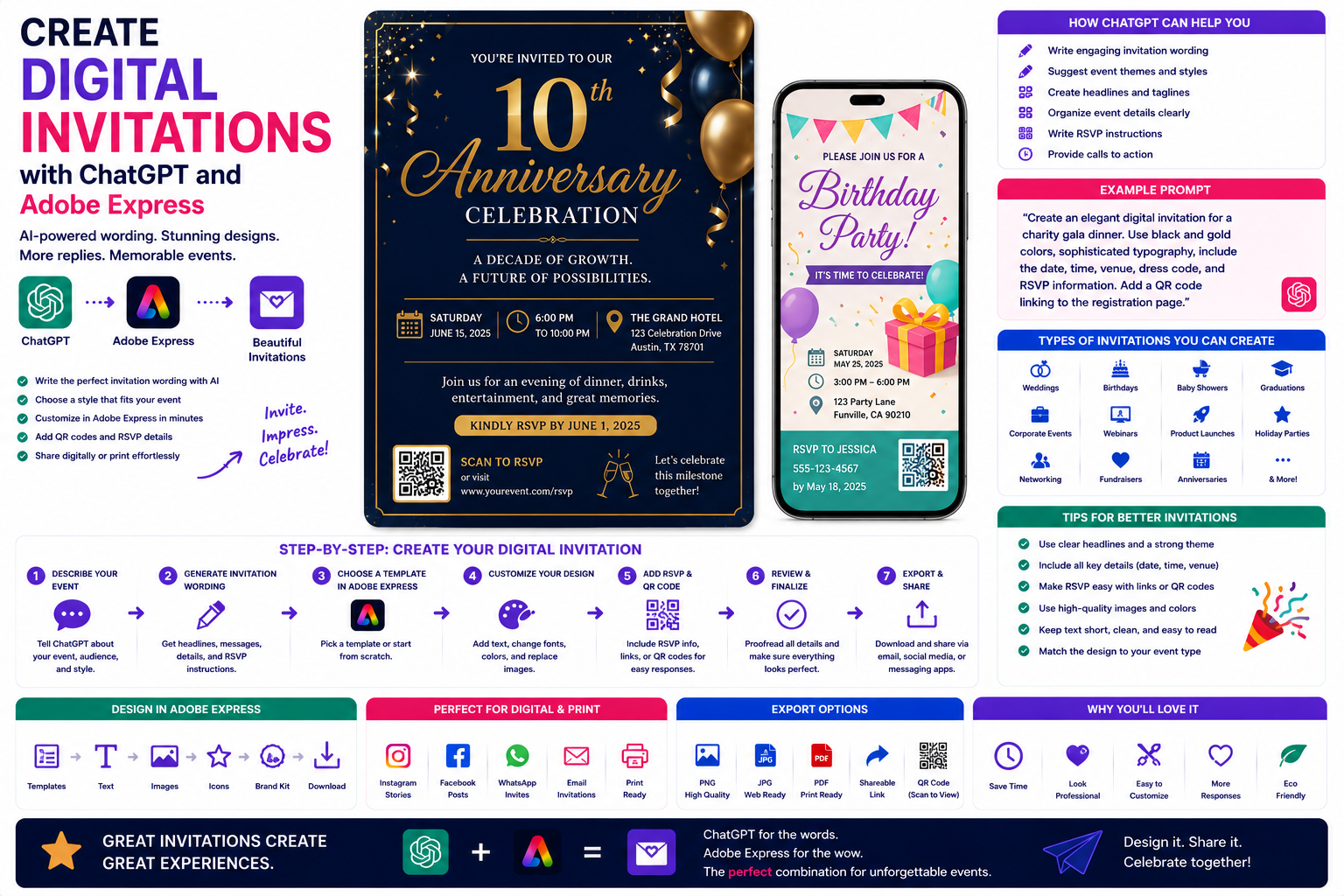
- Create Digital Invitations with ChatGPT and Adobe Express
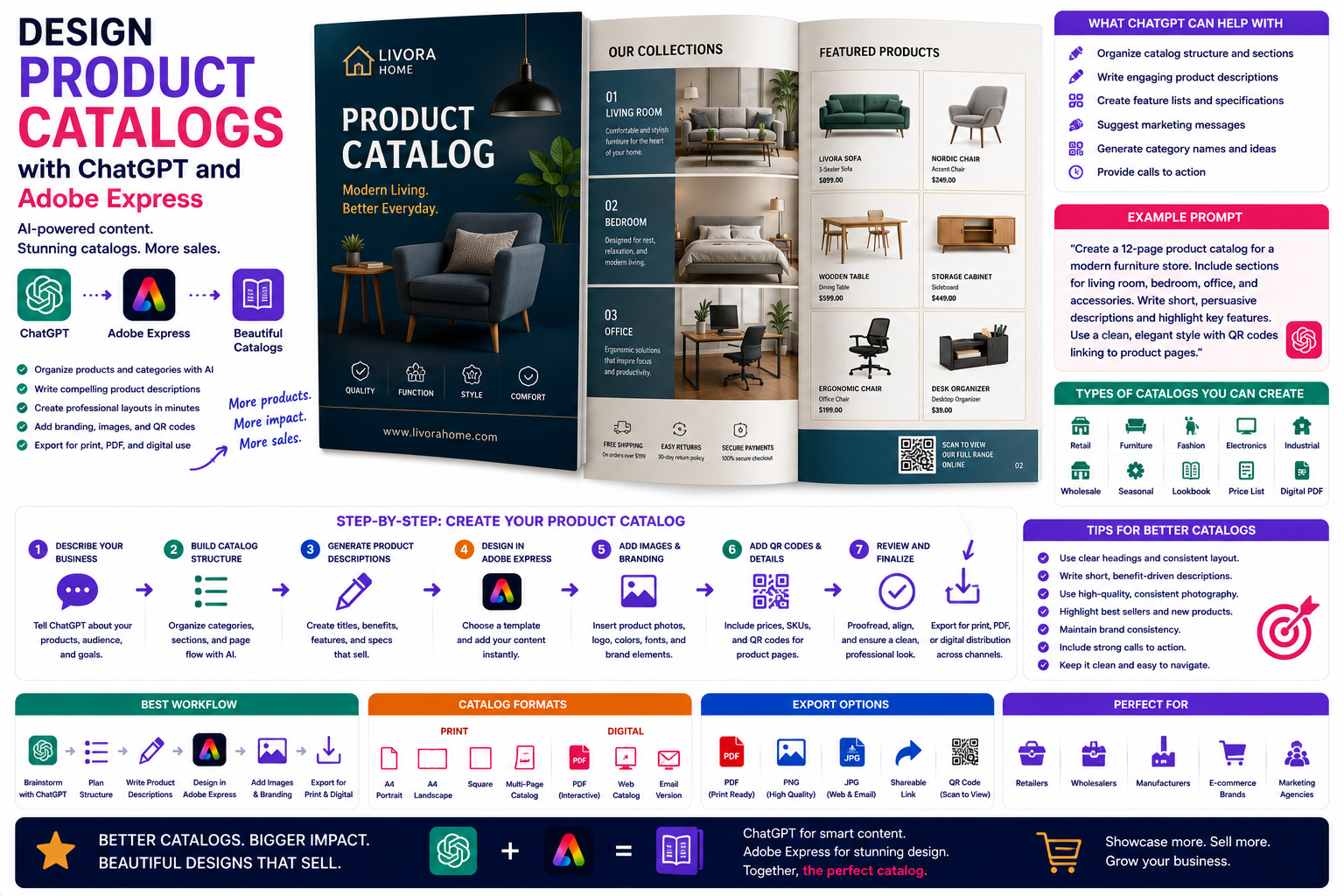
- Design Product Catalogs with ChatGPT and Adobe Express
- Create Business Cards with ChatGPT and Adobe Express
- Best ChatGPT Prompts for Adobe Express