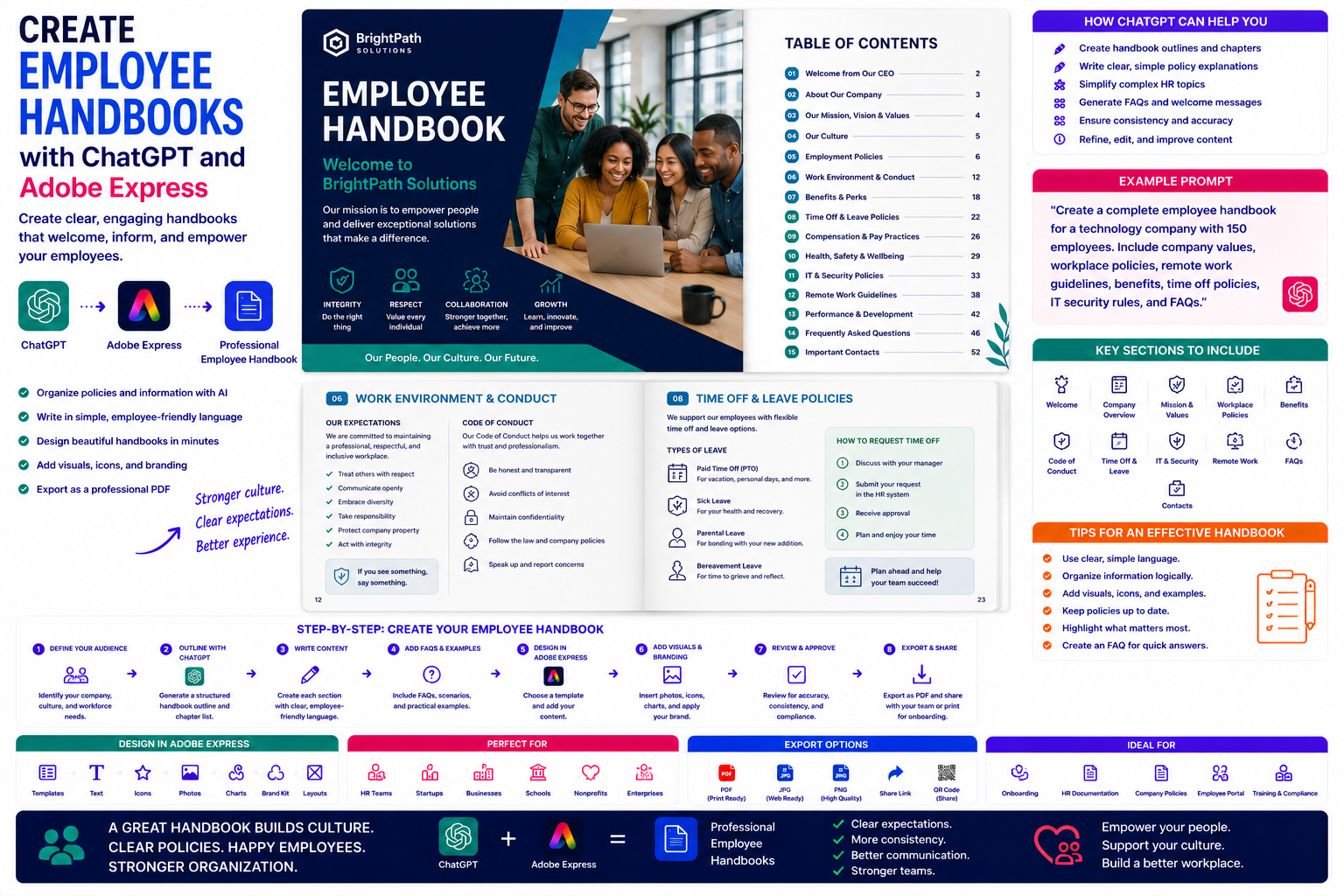
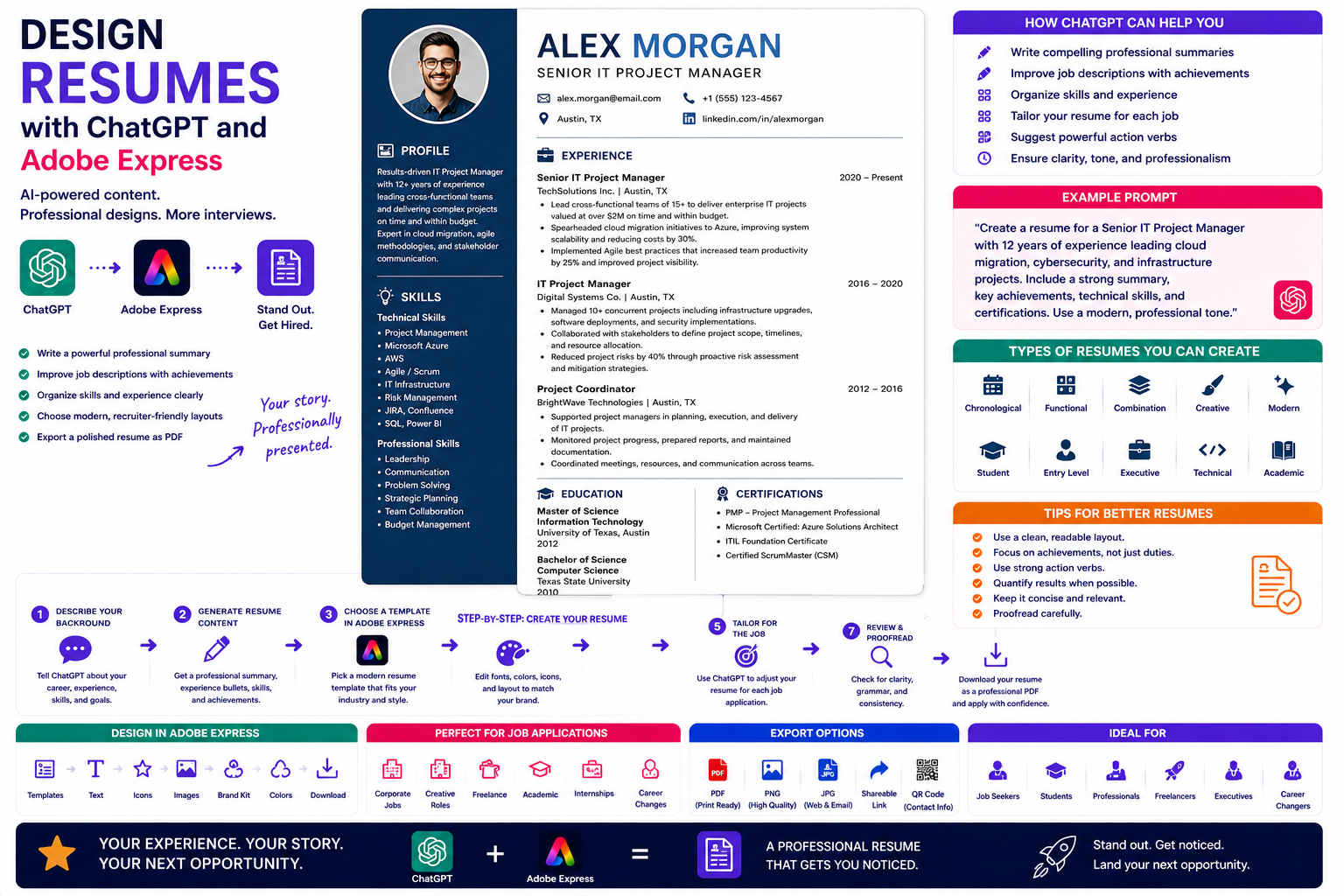
Training manuals are essential resources for onboarding employees, teaching customers, documenting business processes, and delivering educational programs. A well-designed manual helps learners understand new concepts, follow procedures correctly, and retain information long after the training session ends.
Creating a comprehensive training manual can be a lengthy process. You need to organize lessons, explain procedures clearly, add examples, design layouts, and produce a document that is both informative and easy to navigate.
By combining ChatGPT with Adobe Express, you can dramatically reduce the time required to produce professional training materials. ChatGPT helps generate structured lessons, write explanations, create exercises, and simplify complex topics, while Adobe Express transforms the content into an attractive, branded manual.
In this guide, you’ll learn how to create training manuals using AI.
Why Use ChatGPT and Adobe Express?
Building a training manual traditionally requires:
- Defining learning objectives
- Organizing lessons
- Writing instructional content
- Creating exercises
- Designing layouts
- Adding visuals
- Applying branding
- Exporting professional documents
With ChatGPT and Adobe Express working together, these tasks become much more manageable.
Instead of starting with a blank page, you begin with a complete learning framework.
What Is a Training Manual?
A training manual is a structured document that teaches readers how to perform tasks, understand concepts, or follow procedures.
It often includes:
- Learning objectives
- Lesson content
- Step-by-step instructions
- Examples
- Exercises
- Checklists
- Assessments
- Reference materials
A well-organized manual supports both instructor-led and self-paced learning.
What Types of Training Manuals Can You Create?
This workflow works for many industries.
Examples include:
- Employee onboarding guides
- Software training manuals
- Customer education guides
- Safety manuals
- Operations manuals
- Sales training manuals
- HR procedures
- IT documentation
- Workshop workbooks
- Classroom training materials
The same workflow can be adapted for almost any training program.
Step 1: Define the Learning Goals
Start by explaining what learners should achieve.
Example prompt:
Create a training manual teaching new employees how to use Microsoft 365 securely in a corporate environment.
Or:
Design a beginner’s training guide explaining how to operate industrial safety equipment.
Clear learning objectives make the manual easier to structure.
Step 2: Create a Course Outline
Ask ChatGPT to organize the content.
Example prompt:
Create a professional ten-module training manual outline for customer service representatives.
Typical sections include:
- Introduction
- Learning Objectives
- Core Lessons
- Practical Exercises
- Best Practices
- Knowledge Check
- Summary
- Additional Resources
A logical structure helps learners build knowledge step by step.
Step 3: Write Each Lesson
ChatGPT can generate:
- Lesson introductions
- Step-by-step instructions
- Explanations
- Practical examples
- Troubleshooting tips
- Best practices
- Review summaries
Write one lesson at a time for greater clarity and consistency.
Step 4: Generate Exercises
Interactive learning improves retention.
Ask ChatGPT to create:
- Practice questions
- Multiple-choice quizzes
- Scenario-based exercises
- Reflection questions
- Hands-on assignments
- Discussion topics
Exercises reinforce the concepts covered in each lesson.
Step 5: Create Checklists
Training manuals often benefit from quick-reference checklists.
Examples include:
- Daily procedures
- Safety inspections
- Software setup
- Quality assurance
- Project completion
- Equipment maintenance
Checklists make procedures easier to follow during real-world work.
Step 6: Design the Manual in Adobe Express
Once the content is ready, open Adobe Express.
Create a professional layout featuring:
- Cover page
- Table of contents
- Lesson pages
- Exercise pages
- Checklists
- Summary pages
- Reference sections
Adobe Express makes it easy to maintain a consistent layout throughout the manual.
Step 7: Add Visual Elements
Visual learning improves understanding.
Adobe Express allows you to include:
- Diagrams
- Process flows
- Screenshots
- Icons
- Infographics
- Tables
- Illustrations
- Callout boxes
Visual aids help explain procedures more clearly than text alone.
Step 8: Apply Your Branding
Customize the manual with:
- Company logo
- Brand colors
- Corporate fonts
- Headers
- Footers
- Page numbers
- Consistent icons
Branded training materials reinforce professionalism.
Step 9: Export and Share
Training manuals are commonly distributed as:
- PDF documents
- Employee handbooks
- Learning management system (LMS) resources
- Printed workbooks
- Customer guides
- Workshop materials
Adobe Express supports high-quality exports for both digital and printed manuals.
Example Prompt Library
Employee Onboarding
Create a complete onboarding manual introducing new employees to company policies, communication tools, security practices, and workplace expectations.
Software Training
Develop a training manual teaching beginners how to use Adobe Express for social media content creation.
Customer Service
Write a training guide covering customer communication, conflict resolution, problem-solving, and service standards.
Cybersecurity
Create an employee cybersecurity awareness manual explaining phishing, password management, MFA, and safe browsing practices.
Manufacturing
Design a machine operation training manual covering safety procedures, maintenance, and troubleshooting.
Tips for Better Training Manuals
Professional training manuals usually:
- Define clear learning objectives.
- Break lessons into manageable sections.
- Include practical examples.
- Use diagrams and screenshots.
- Reinforce learning with exercises.
- Summarize key concepts.
- Provide quick-reference checklists.
A structured manual is easier to understand and remember.
Common Mistakes
Avoid prompts such as:
Write a training manual.
Instead write:
Create a complete employee onboarding manual for a managed IT services company. Include company policies, Microsoft 365 usage, cybersecurity awareness, help desk procedures, remote work guidelines, quizzes, checklists, and chapter summaries. Use clear instructional language suitable for new employees.
Detailed prompts consistently produce higher-quality learning materials.
Best Workflow
Many training departments follow this workflow:
- Define learning objectives.
- Generate a structured outline with ChatGPT.
- Write each lesson individually.
- Create exercises and quizzes.
- Design the manual in Adobe Express.
- Add visuals and branding.
- Review for accuracy.
- Export as PDF or print-ready documentation.
This process produces consistent, professional training materials while reducing development time.
Who Should Use This Workflow?
This workflow is ideal for:
- HR departments
- Corporate trainers
- Schools
- Universities
- Consultants
- Software companies
- Manufacturing businesses
- Healthcare organizations
- Government agencies
- Customer education teams
Any organization that teaches employees or customers can benefit from AI-assisted manual creation
Why This Workflow Works
ChatGPT helps organize educational content before you begin designing.
By the time you open Adobe Express, you’ll already have:
- Learning objectives
- Lesson outlines
- Exercises
- Checklists
- A complete instructional structure
Adobe Express then transforms that information into a visually engaging manual that is easy to follow and professionally branded.
Conclusion
Creating training manuals with ChatGPT and Adobe Express combines AI-assisted instructional writing with professional document design. ChatGPT helps organize lessons, explain concepts, generate exercises, and simplify complex procedures, while Adobe Express provides clean layouts, visual elements, and branding tools that improve readability and learner engagement.
Whether you’re onboarding employees, educating customers, or delivering classroom instruction, this AI-powered workflow helps you produce high-quality training manuals faster while maintaining a polished and professional appearance.
Frequently Asked Questions
Can ChatGPT write a complete training manual?
Yes. ChatGPT can help generate outlines, lesson content, exercises, quizzes, checklists, and summaries. Review the material carefully to ensure it is accurate, up to date, and appropriate for your audience.
Can Adobe Express design training manuals?
Yes. Adobe Express provides document templates and design tools that work well for training manuals, employee guides, workbooks, and educational publications.
Should training manuals include visuals?
Absolutely. Screenshots, diagrams, icons, flowcharts, and illustrations make procedures easier to understand and improve learner engagement.
What format should I distribute a training manual in?
PDF is the most common format because it preserves formatting, works well in learning management systems, and is suitable for both digital distribution and professional printing.
Related Articles
- Create Sales Proposals with ChatGPT and Adobe Express
- Create Case Studies with ChatGPT and Adobe Express
- Create Annual Reports with ChatGPT and Adobe Express
- Create White Papers with ChatGPT and Adobe Express
- Best ChatGPT Prompts for Adobe Express