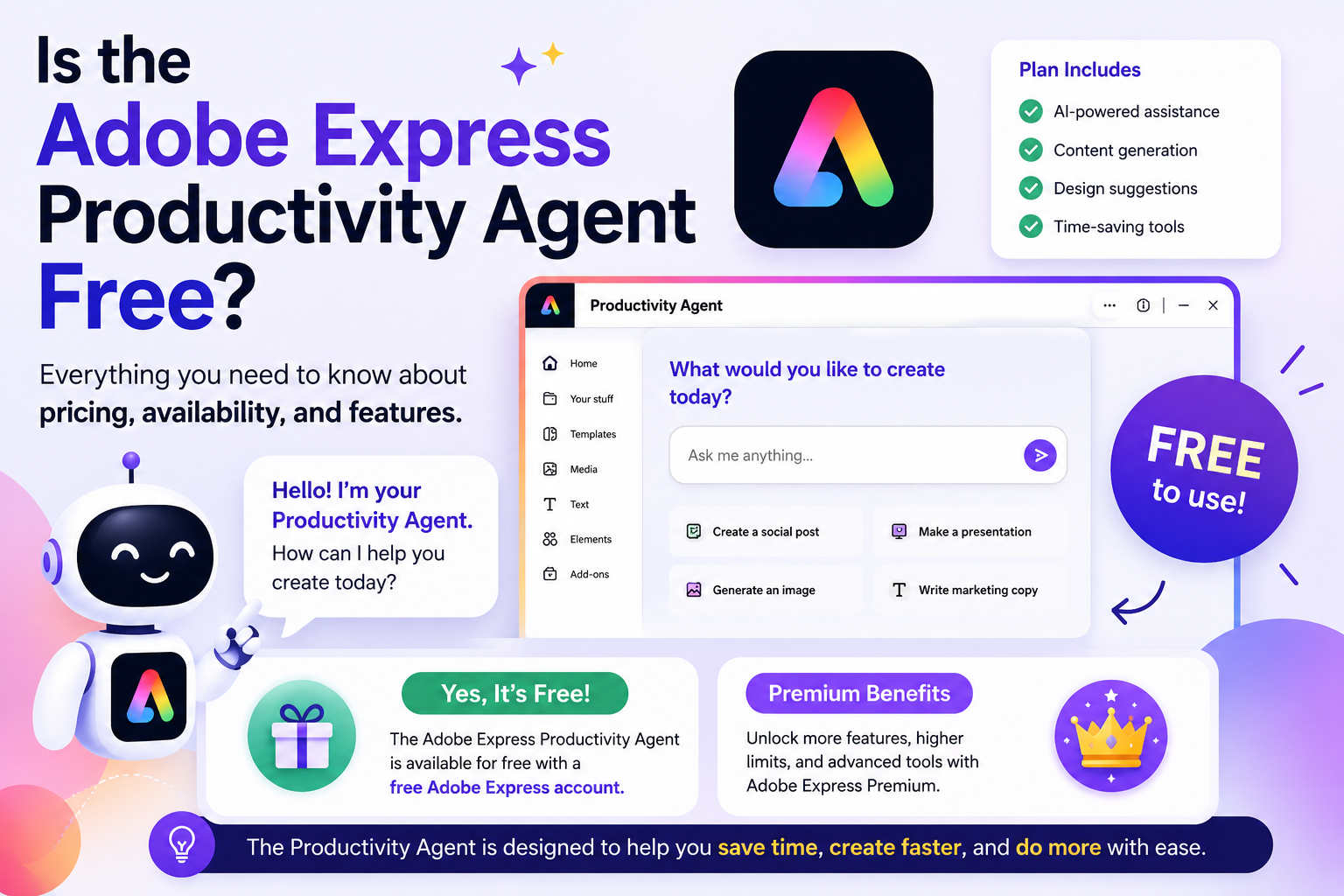
The Adobe Express Productivity Agent makes creating graphics, marketing materials, presentations, and social media content as simple as describing what you want in plain English. While beginners often start with short prompts such as “Create an Instagram post for my coffee shop,” experienced users quickly discover that the quality of the output depends heavily on how detailed and structured the prompt is.
Learning advanced prompting techniques allows you to generate more accurate, consistent, and professional designs while reducing the need for manual editing.
In this guide, you’ll learn how to write better prompts for the Adobe Express Productivity Agent and consistently achieve higher-quality results.
Why Prompting Matters
The Productivity Agent acts as your AI design assistant.
Instead of clicking through menus, selecting templates, and manually arranging elements, you simply describe your goal.
The more information you provide, the better the AI can understand:
- Your audience
- Your brand
- Your design style
- Your preferred colors
- Your message
- Your layout
Think of your prompt as a creative brief for a professional designer.
Technique 1: Start with Your Goal
Begin every prompt by clearly explaining what you want to create.
Instead of:
Create a graphic.
Try:
Create a LinkedIn banner announcing our new cybersecurity consulting service.
A clear objective helps the Productivity Agent generate more relevant layouts and content.
Technique 2: Describe Your Audience
Tell the AI who the design is for.
Examples include:
- Small business owners
- Marketing professionals
- Students
- Teachers
- IT managers
- Startup founders
- Parents
- Fitness enthusiasts
Example:
Create a promotional flyer for small business owners interested in improving cybersecurity.
The AI will naturally adjust the tone and visual style.
Technique 3: Specify Your Brand Style
One of the biggest improvements comes from describing your preferred visual style.
For example:
- Minimalist
- Corporate
- Luxury
- Modern
- Clean
- Bold
- Playful
- Elegant
- Professional
- High-tech
Example:
Use a clean, modern corporate style with plenty of white space.
Technique 4: Mention Brand Colors
If your company uses specific colors, include them.
Example:
Use navy blue, white, and teal as the primary colors.
You can also reference your Brand Kit if you’ve already configured one in Adobe Express.
Technique 5: Choose the Tone
The same design can feel very different depending on the tone.
Examples:
- Friendly
- Professional
- Exciting
- Inspirational
- Luxury
- Fun
- Serious
- Educational
- Premium
- Confident
Example:
Keep the tone friendly and encouraging.
Technique 6: Request Specific Content
Rather than asking the AI to “make a flyer,” explain exactly what should appear.
Example:
Include:
- Company logo
- Headline
- Three benefits
- QR code placeholder
- Contact information
- Website
- Call-to-action button
The more complete your request, the less editing you’ll need afterward.
Technique 7: Specify the Platform
Different platforms require different layouts.
Tell the Productivity Agent exactly where the design will be used.
Examples include:
- Instagram Post
- Instagram Story
- Facebook Ad
- LinkedIn Post
- Pinterest Pin
- Presentation Slide
- Poster
- Flyer
- Email Banner
- YouTube Thumbnail
This helps the AI optimize dimensions and composition.
Technique 8: Define the Layout
You can even describe how you want the page arranged.
Example:
Large headline at the top, hero image on the right, three feature cards underneath, and a strong call-to-action button at the bottom.
This provides much more control over the final result.
Technique 9: Describe Images
Instead of letting the AI guess, explain the imagery you want.
Example:
Include a professional woman working on a laptop in a modern office with natural lighting.
Or:
Use abstract blue technology graphics with subtle gradients.
Detailed image descriptions often produce stronger visual results.
Technique 10: Ask for Multiple Options
You don’t have to settle for the first result.
Try prompts like:
Generate three different layout ideas.
or
Show three different color variations.
Comparing multiple options helps you choose the strongest design.
Technique 11: Refine Through Conversation
One advantage of the Productivity Agent is that you can continue the conversation.
For example:
Make the title larger.
Use brighter colors.
Replace the image.
Make it look more premium.
Add more white space.
Simplify the layout.
Each instruction builds on the previous version.
Technique 12: Include Marketing Goals
Explain what you want the design to achieve.
Examples:
- Generate leads
- Increase registrations
- Sell a product
- Promote a webinar
- Build brand awareness
- Drive website traffic
- Encourage downloads
Example:
Create a flyer designed to increase webinar registrations.
Now the AI understands the business objective—not just the design.
Example of a Basic Prompt
Create a Facebook post for my business.
The result may be usable, but it lacks detail.
Example of an Advanced Prompt
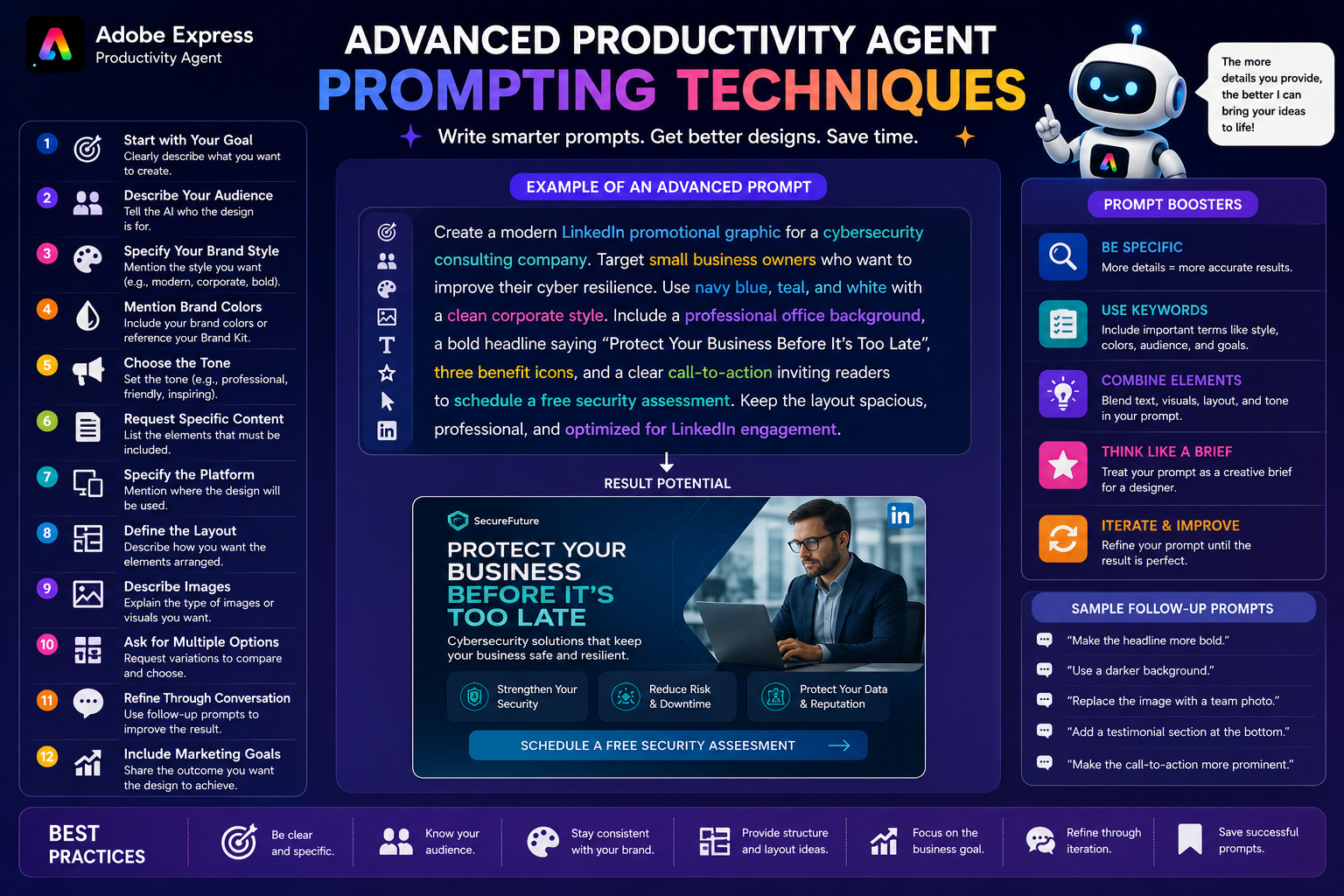
Create a modern LinkedIn promotional graphic for a cybersecurity consulting company. Target small business owners who want to improve their cyber resilience. Use navy blue, teal, and white with a clean corporate style. Include a professional office background, a bold headline saying “Protect Your Business Before It’s Too Late,” three benefit icons, and a clear call-to-action inviting readers to schedule a free security assessment. Keep the layout spacious, professional, and optimized for LinkedIn engagement.
This level of detail gives the Productivity Agent a much stronger creative brief.
Common Prompting Mistakes
Avoid these common issues:
- Using prompts that are too short
- Not identifying the target audience
- Forgetting to mention branding
- Mixing too many styles
- Requesting conflicting layouts
- Leaving out the desired platform
- Being too vague about images
Small improvements in your prompt often produce dramatically better designs.
Best Practices
For consistently high-quality results:
- Be specific.
- Describe your audience.
- Mention your brand colors.
- Define your visual style.
- Explain your goal.
- Include required content.
- Specify the platform.
- Refine the result through follow-up prompts.
- Save successful prompts for future projects.
- Experiment with different wording to discover what works best.
Over time, you’ll build a personal library of prompts that consistently produce excellent results.
Frequently Asked Questions
Do longer prompts produce better results?
Usually, yes. Detailed prompts provide more context and allow the Productivity Agent to generate designs that better match your expectations.
Can I ask the Productivity Agent to revise an existing design?
Yes. You can continue the conversation by requesting changes such as new colors, different images, revised text, or layout adjustments.
Should I mention my target audience?
Absolutely. Audience information helps the AI choose appropriate visuals, typography, tone, and messaging.
Can I reuse prompts?
Yes. Saving successful prompts is a great way to create consistent branding and speed up future projects.
Final Thoughts
The Adobe Express Productivity Agent becomes significantly more powerful when you move beyond simple one-line requests and start writing structured, detailed prompts. By clearly defining your audience, objectives, brand style, platform, layout, and content requirements, you give the AI the context it needs to produce professional-quality designs with minimal revisions.
Treat every prompt as a creative brief. The more thoughtfully you communicate your vision, the more the Productivity Agent can act like an experienced designer—saving time while delivering polished, on-brand results.